Turn HTML into valid WordPress blocks, from inside your AI agent.
Block Runner is an open-source skill for AI agents that turns HTML from any design tool or model into native WordPress blocks, onto a page or into your plugin, and validates every result against headless Gutenberg.
Works in GitHub Actions, GitLab CI, CircleCI, pre-commit, and the CLI. Any model, any vendor.
requires Node 20.19+ · GPL-2.0-or-later · Updated September 2026
<section class="hero relative" style="background-color:#0f172a">
<img src="hero.jpg" class="absolute inset-0 object-cover" />
<div class="absolute inset-0" style="background-color:rgba(15,23,42,0.5)"></div>
<div class="mx-auto max-w-3xl px-6 py-32 text-center">
<p style="color:#94a3b8">Native WordPress</p>
<h1 style="color:#ffffff">Design that editors can change.</h1>
<p style="color:#cbd5e1">No frozen Custom HTML. Real Cover, Group, Heading, and Button blocks—valid in the editor.</p>
<div class="mt-8 flex justify-center gap-3">
<a href="#" style="background-color:#f97316;color:#ffffff">Learn more</a>
<a href="#" style="color:#ffffff;border:1px solid rgba(255,255,255,0.2)">Contact us</a>
</div>
</div>
</section>
native blocks · editor-valid · theme adapted
- Coverhero.jpgdimRatio50overlayColorcontrast
- Group
- ParagraphNative WordPress
- Design that editors can change.textColorbase
- ParagraphNo frozen Custom HTML. Real Cover, Group, Heading, and Button blocks—valid in the editor.
- Buttons
- ButtonLearn morebackgroundColorprimarytextColorbase
- ButtonContact ustextColorbase

Block Runner is, in my opinion, the future of working with WordPress and AI.
Until now, I've struggled to find an easy way to convert AI "outputs" into useable WordPress elements, blocks, and landing pages.
But with Block Runner, I just share the HTML (+CSS) that Claude provides and converts it into useable WordPress assets.

I use Block Runner to build blocks from static HTML and was blown away by the speed and accuracy.
Being able to build functionality straight from core blocks instead of creating custom ones makes life so much easier, especially when managing larger projects.

I use Block Runner together with Claude CoWork for my WordPress site.
It allows me to create and customize theme blocks with KadenceWP very easily. The tool works reliably and removes a lot of friction from my development process.
For my workflow, it is a real time-saver.
Quick start
Copy this into Claude Code, Codex, Cursor, or any agentic editor.
Run `npx block-runner skill --install`, then turn hero.html into a reusable block in my plugin. Show me the plan before writing anything.
my-wordpress-site on page/campaign | context: 94%
Two ways to use it.
Convert HTML into blocks, either onto a page or into your plugin, or check the blocks you already have. Your agent drives it. The same validity check runs either way.
Converter
Convert generated HTML into native blocks
One converter, two destinations. Into a page as plain core blocks anyone can edit, or into your plugin as a named block with only the fields you allow editable. The CSS comes with it.
●A reusable named block, so this goes through author: preview first, write only on your confirmation. Plan: acme/feature-card, three editable fields, layout locked.
Bash(npx block-runner author preview feature-card.plan.json --output-dir plugins/acme-blocks/src/feature-card)✓
●Here's the plan before anything is written. A block called Feature Card, in your plugin's inserter. Editors can change the heading, text and image; layout and spacing are locked. Six files go into plugins/acme-blocks/src/feature-card. No warnings, nothing written yet. Go ahead?
Bash(npx block-runner author write feature-card.plan.json --confirm a91f…c3)✓
Bash(npx block-runner plugin write plugins/acme-blocks --confirm 7e2d…08)✓
●Written and registered. "Feature Card" is in the inserter under Acme, with only those three fields editable.
›
Validator
Prove it is editor-valid
Every result is checked against headless Gutenberg itself, no LLM in the loop, so valid means what the editor means, not what a generator hoped. Deterministic, safe to run on every request and in CI.
Bash(npx block-runner validate "content/**/*.html" --json)✗
●12 blocks, 11 valid. One Cover block has a stray attribute the editor would reject. Trying a repair.
Bash(npx block-runner fix content/hero.html --out content/hero.html)✓
Bash(npx block-runner validate "content/**/*.html" --json)✓
●12 of 12 valid now. Nothing invalid gets presented; if the repair hadn't worked I'd have stopped here and shown you why.
›
Every declaration is accounted for.
Block Runner reads the CSS the generator wrote, inline styles and single-class rules, and maps it onto native block styling. Anything it cannot map is reported with its line and selector, never dropped in silence.
- 1<section class="card" style="padding: 32px">
- 2 <h2>Fewer steps, same result.</h2>
- 3 <p>Ship the page as native blocks.</p>
- 4</section>
- 5
- 6.card h2 { color: #1a1a1a }
- 7.card p { font-size: 1.25rem }
- 8.card-glow { filter: blur(24px) }
Four declarations in. Three become block attributes; one has no block equivalent and is reported by line and selector.
- Grouppadding32px
- Fewer steps, same result.textColor#1a1a1a
- ParagraphShip the page as native blocks.fontSize1.25rem
Why we built it.
The agentic ecosystem moves fast. Models, agents, and design tools can produce WordPress content quicker than ever, but the HTML they emit converts to blocks weakly, inconsistently, or not at all, and nothing checks whether the result is valid.
We built it because we needed it ourselves, to run autonomous WordPress A/B testing and personalization experiments on Accelerate, measured by its own first-party analytics, then open-sourced it as the primitive the ecosystem was missing, so every tool in the pipeline can trust the blocks it ships.
The chart scores how close each result lands to a known-ideal block tree, validated against headless Gutenberg, the same parser the editor runs. Higher means blocks the editor accepts as-is: matching save() output and correct nesting.
Common questions
- What does it output?
- Real WordPress blocks, the same kind you would add in the block editor by hand. Send it page content and you get plain, native Gutenberg blocks (Cover, Columns, Buttons and the rest) that anyone can edit, with the CSS your generator wrote carried into each block's own styling controls. Send it a design and you get a registered block: one named, reusable block written into your plugin, with only the fields you allow editable, that appears in the inserter like any core block. Nothing proprietary to keep installed.
- Do I need to change how I generate content?
- One change: stop asking your AI to write WordPress block markup. Give Block Runner the HTML your AI agent or design tool produced and let the agent decide what it should become. Block Runner builds the Gutenberg blocks and checks them. It wants HTML that was authored, not HTML scraped from a rendered page.
- Do I need an AI agent to use it?
- No, but that is where it does its best work. On its own it is a command-line tool for scripts and CI; that is the dashed line on the chart above. Under an AI agent it does the whole job. Run npx block-runner skill --install once. Claude Code, Codex, Cursor or any agentic editor learns the skill, works out whether you want page content, a reusable block or a validation pass, and runs the right commands.
- Can I see the plan before anything is written into my code?
- Yes. Before it writes a reusable block, Block Runner shows you what it is about to do: the block's name, which parts editors can change, what stays fixed, which files it will create, and any warnings. The write is tied to that exact preview, so it cannot quietly write something different. Whether your agent stops to show you the preview is down to the agent and how you have set it up; the skill tells it to.
- Does it read my theme.json or theme styles?
- Yes. Your theme's own colours, font sizes and spacing get used instead of hard-coded values. Point it at a theme.json file, a live site, or a Wesper context manifest, and off-theme values snap onto your presets: colours become palette slugs, sizes become your font-size and spacing slugs. It reads settings only, not your theme's CSS. Resolution is off by default, so pass a resolver as well as the file: --token-resolver file --theme-json path/to/theme.json, or wpcli, rest, or context to read from a live site. On its own --theme-json does nothing, because the resolver defaults to noop.
- How does it decide a block is valid?
- It uses the same parser the WordPress editor uses. Every result runs through headless Gutenberg, so valid means what the editor means: markup that matches each block's save() output, and correct nesting. Attachment ids are a separate job, media resolution rather than validity, so with the default noop resolver you get valid blocks and no ids.
- Can I run it in CI?
- Yes. It is a command-line tool, so it runs anywhere a shell does: GitHub Actions, GitLab CI, CircleCI, pre-commit hooks, or your own scripts. It exits 0 when clean and 1 when it finds problems, so invalid blocks fail the build instead of shipping (2 is a usage or IO error, 3 a headless boot failure). Add --strict to treat warnings, such as unresolved media, as failures too.
- Is it really open source?
- Yes. GPL-2.0-or-later on GitHub, free to use, an npm package you drop into your own pipeline. We built it for our own autonomous experiments on Accelerate, then opened it up.

Built by WordPress Experts
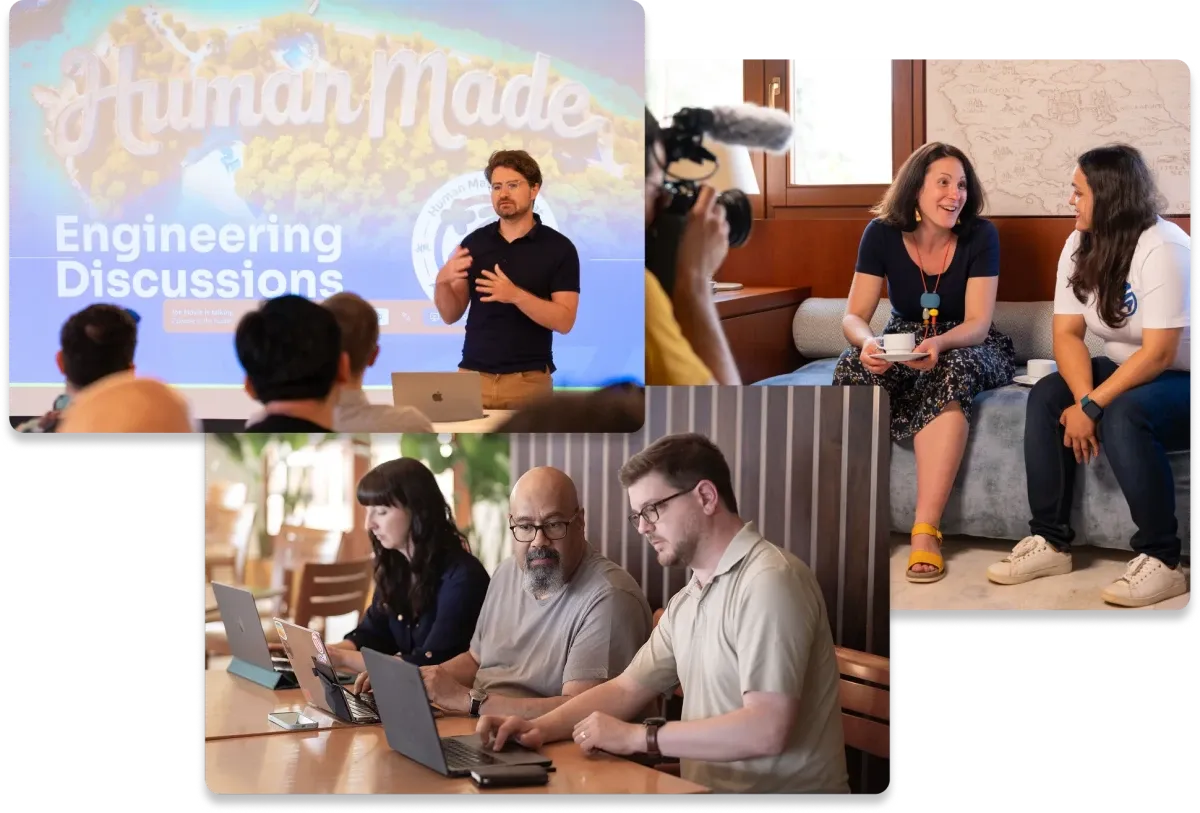
Created by Human Made
Since 2010, Human Made has been one of the world's leading enterprise WordPress agencies, powering platforms for Google, TechCrunch, Harvard, and Siemens. Accelerate brings that same level of expertise to your WordPress site.