WordPress personalization, inside the block editor
WordPress personalization shows each audience a different version of a block: a visitor from Berlin, a returning reader, someone from a paid campaign. Accelerate does it inside the block editor. Define an audience, make a variant of any block for it, publish. No code, no external tool, and your full-page cache keeps working.
- Audiences by country, city, device, behaviour or UTM campaign
- One variant per audience, edited like any other block
- Works with WP Rocket and host caches, your hit rate does not move
Free up to 1 million tracked page views a month. No credit card.
Works on any WordPress host, including:




How WordPress personalization works in Accelerate
No external tool, no tracking scripts to install. If you can edit a page, you can personalize it.
Define an audience
Set targeting rules visually: location, behavior, device, or UTM campaign. Create as many segments as you need, from broad regions to specific traffic sources.


Create the personalized variant
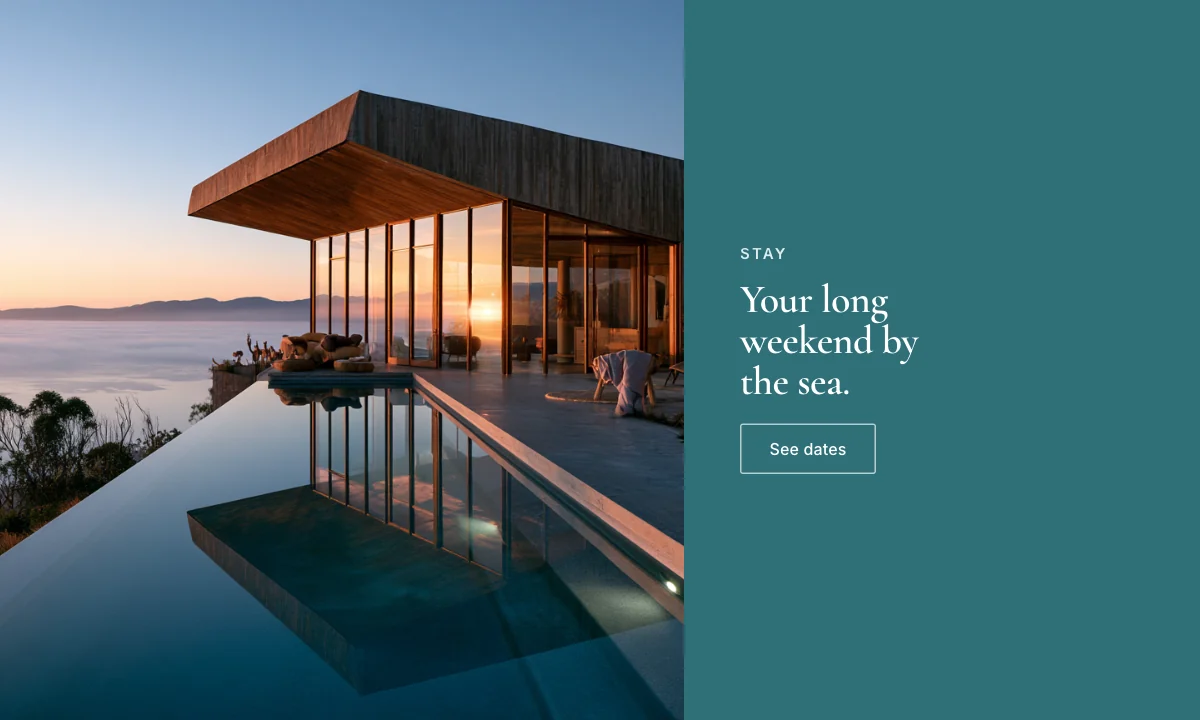
Convert any global block to personalized content, then build a variant for each audience, edited visually in the block editor, just like any other block.
Publish
Each visitor sees the variant that matches them, consistently across sessions, and your full-page cache keeps working untouched.
Who you can target: location, device, behaviour and campaign
Target visitors by geography, device, referral source, or the campaign they arrived from. Match a paid-search headline to its ad, greet US and EU shoppers with the right shipping notice, or promote a local event only to the cities that can attend.
- Location targeting down to country, region, or city
- Behavioral, device, and UTM-campaign targeting




Personalized content is a block variant, not a shortcode
Convert any global block to personalized content and build a variant per audience, edited visually, right where you already work. No shortcodes, no page builder, no code to maintain.
- Works with any WordPress block, theme, or layout
- Preview each audience's variant before publishing
Personalization with full-page caching, and no flicker
Every visitor gets the same cached page from your host or WP Rocket, and the right variant is picked in the browser before the block paints, so nothing flickers and your cache hit rate does not move. The same visitor sees the same variant across sessions, and everyone outside an audience gets the fallback.
- Cache-safe delivery: keeps your full-page cache intact
- Steady audiences and a built-in fallback for everyone else
- Cached HTMLedge cache38ms
- Pick variantin the browser4ms
- Personalizedpaint12ms
Personalization and A/B testing on the same data
An audience variant can be A/B tested like any other block, and both read the same first-party analytics, so you can see whether the personalized version actually beat the default.
Everything in Personalization.
Audience segments
Target by location, device, behavior, or referral source, so each visitor gets the message that fits.
UTM campaign targeting
Match the on-page message to the campaign visitors arrived from, so ad spend lands on one story.
Native block variants
Convert any global block to personalized content, edited visually, so marketers ship variants without code.
Cache-safe delivery
Works with full-page caching at no hit to your cache rate, so personalization never costs you speed.
Fallback content
Everyone outside a segment sees a relevant default, so no visitor ever lands on an empty block.
Coverage & performance
Track each variant's reach and conversions, so you can tell which audiences are worth the effort.
Native or bolted-on
| Accelerate | Personalization SaaS and shortcode plugins | |
|---|---|---|
| Where you build audiences | The WordPress block editor | A separate SaaS editor |
| Script on your pages | Accelerate's own, served from your site | The vendor's snippet |
| How variants render | Server-side, in the page | Client-side, swapped in after load |
| Variant into live content | One click in the editor | Rebuilt by hand in WordPress |
Common questions about WordPress personalization
Short answers to the questions people ask about personalization in WordPress.
- What is WordPress personalization?
- WordPress personalization allows you to show different content to different visitors based on their location, behavior, UTM parameters, or other attributes. Accelerate makes this possible directly in the block editor without coding or external tools.
- How does geographic targeting work?
- Accelerate detects your visitor's location (country, region, or city) and can show personalized content accordingly. For example, show different CTAs to US vs. European visitors, or promote region-specific events to local audiences.
- Can I personalize based on UTM parameters?
- Yes. Target visitors from specific marketing campaigns by reading UTM parameters in the URL. Show campaign-specific messaging to visitors from paid ads, email campaigns, or social media traffic.
- What's the difference between personalization and A/B testing?
- A/B testing shows random variants to measure which performs better. Personalization shows targeted content based on who the visitor is or where they came from. Both features work together: you can A/B test personalized experiences to optimize for specific audience segments.
- Do I need coding skills for personalization?
- No. Create audience segments and personalized content variants directly in the WordPress block editor. All targeting rules are configured through a visual interface, no code required.
- Does personalization affect site performance?
- Minimal impact. Personalization rules are evaluated client-side using cached visitor data, so there's no additional database queries or server load. Content swapping happens instantly as the page loads.
- Does it work with full-page caching?
- Yes. Because audience rules are evaluated in the browser, personalization works with full-page caching, including host-level caches and plugins like WP Rocket. Every visitor receives the same cached page; the right variant is selected client-side, so you keep your cache hit rate.
- Can I use personalization with WooCommerce?
- Yes. Any block-based content in a WooCommerce store can be personalized: promotional banners, shipping notices, category descriptions, or regional pricing callouts. Geographic and UTM targeting are particularly useful for stores serving multiple markets.
- What happens to my content if I deactivate the plugin?
- Your site keeps working. Personalized blocks fall back to their default content, which is regular WordPress block markup. Nothing is locked into a proprietary format, and no shortcode debris is left behind.
One toolkit, not four plugins.
All featuresTest variations, ship the winner.
Rotate campaigns, no deploy.
First-party traffic, native to WP.
Ask your data in plain English.
›Why did signups rise?
Returning visitors converted 27% better last week.
Personalize your first block today
Add Accelerate to WordPress and deliver your first personalized experience in minutes: free, no credit card, no external tools.
Free up to 1 million tracked page views a month. Page updated 25 September 2026.