Promote content across your whole site.
Broadcast is a WordPress content promotion block that rotates your campaigns, CTAs and banners through one slot, one per page view, each tracked on its own. Native in the block editor, scheduled to your marketing calendar.
Free up to 1 million tracked page views a month. No credit card.








Works on any WordPress host, including:




One slot, all your campaigns.
Content promotion in WordPress usually means stacking banners; Broadcast gives every promotion one slot and a fair share of views. If you can add a block, you can run it.

Add your blocks
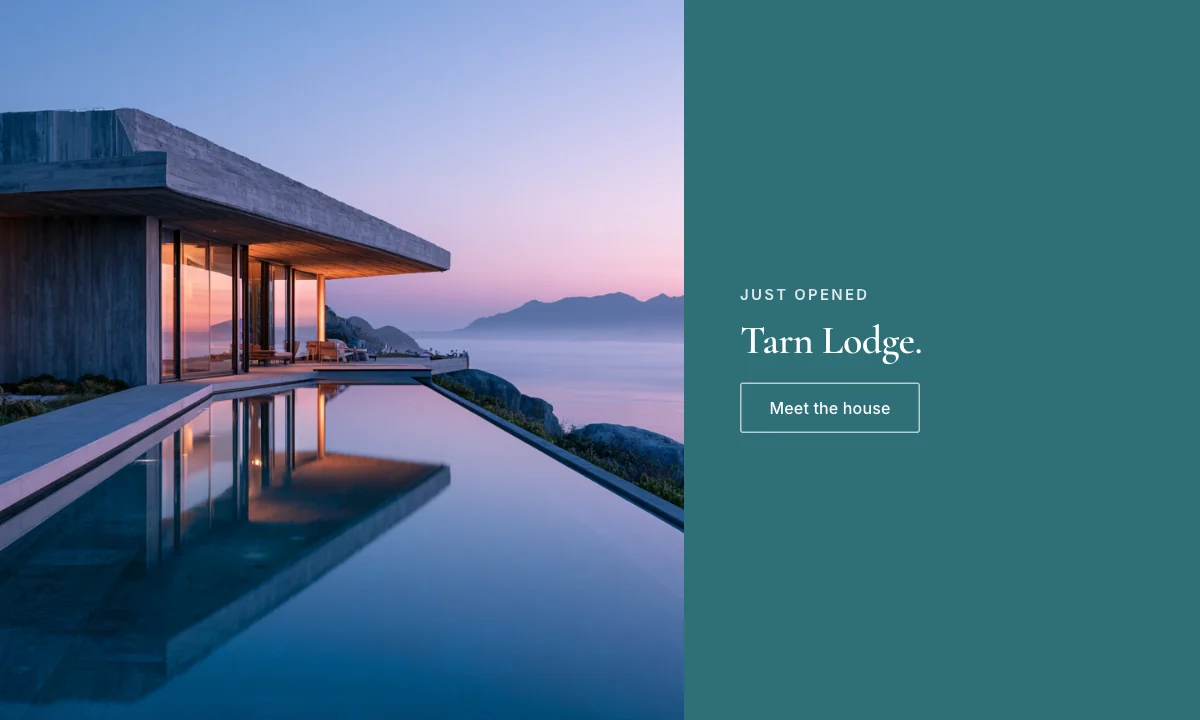
Drop your campaigns, CTAs, and promos into one Broadcast, reusing Global Blocks you build once and update everywhere.
Place the slot
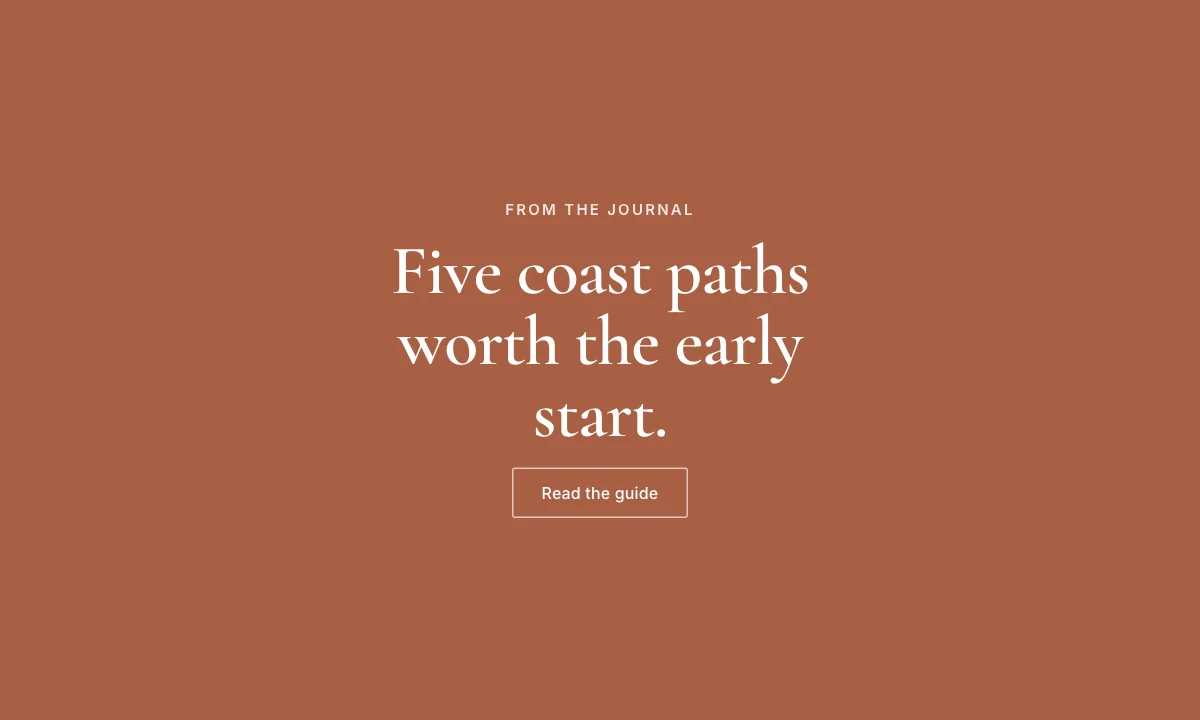
Insert the Broadcast in the editor, or call the PHP helper to place it in a header, footer, or sidebar template.
Rotate and measure
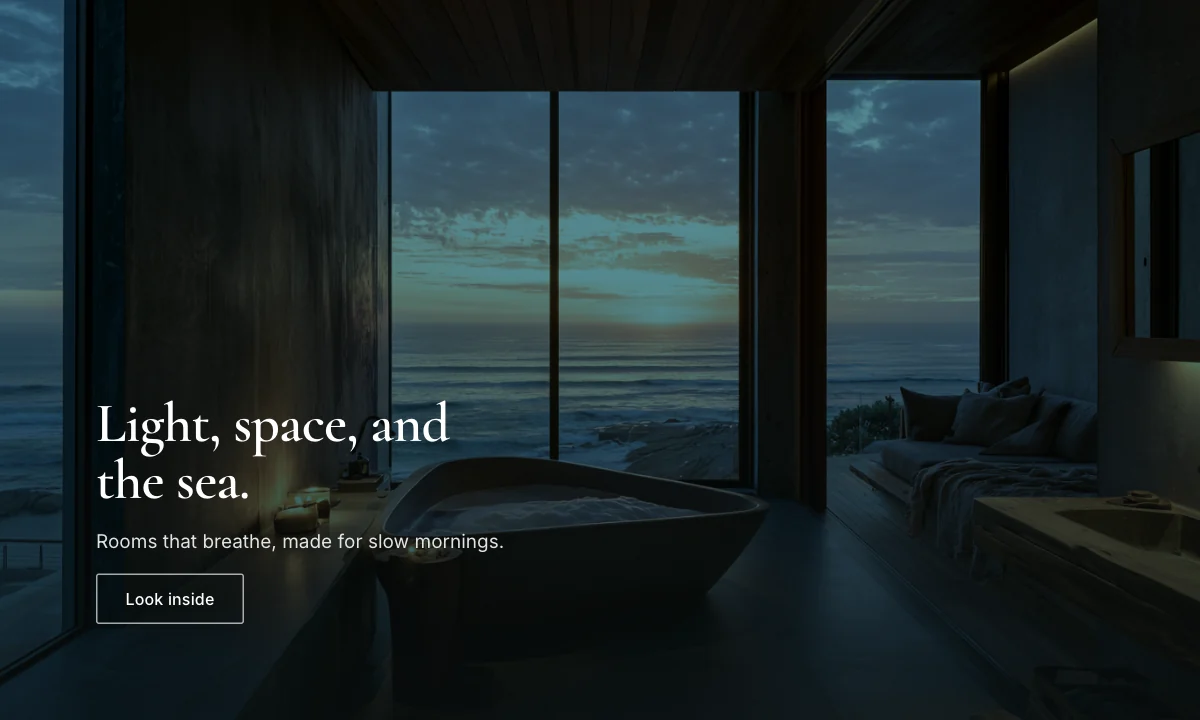
Each page view shows one message from the rotation, and every block records its own views, clicks, and conversions.
Give every promotion exposure, without the clutter.
Create a Broadcast area that automatically cycles through multiple blocks. Each page view shows a different piece of content from your rotation, so campaigns, CTAs, and promos all earn screen time from one tidy slot instead of competing banners.
- Rotate through unlimited blocks per Broadcast
- Different content every page load: one message at a time



Schedule it to your marketing calendar.
Give each block its own start and end date and let the rotation manage itself. Seasonal promos appear and retire on schedule, and you build campaign blocks once as Global Blocks. Update one in a single place and it changes everywhere it runs.
- Start and end dates per block, set and forget
- Update a Global Block once, deploy it across every Broadcast
Place it anywhere in your templates.
Insert a Broadcast through the block editor, or call the PHP helper to drop rotating content into a header, footer, sidebar, or anywhere in your theme. It renders natively in WordPress: no external embed, no developer needed for everyday changes.
- Visual editor and PHP template support
- Works in any template location across your site
<?php
// footer.php: rotate a Broadcast in the site footer.
if ( function_exists( 'Altis\\Accelerate\\Broadcast\\render' ) ) {
	echo Altis\Accelerate\Broadcast\render(
		120,                   // Broadcast ID
		'footer-hero-promo'    // Client ID: scopes per-placement analytics
	);
}
Learn which message earns its slot.
Every block in a Broadcast records its own views, clicks, and conversions, so you can see which promotion actually performs, beyond the one that simply looked good. Add client IDs for granular tracking when a Broadcast runs in more than one place.
- Views, clicks, and conversions for every block
- Custom client IDs for granular, per-placement data
Everything in Broadcast.
Automatic rotation
Cycle unlimited blocks through one slot: different content every page view.
Built-in scheduling
Start and end dates per block, so campaigns appear and retire on time.
Global Blocks
Build a campaign once, update it everywhere it runs from a single place.
Template integration
Drop Broadcasts into headers, footers, and sidebars via editor or PHP.
Per-block analytics
Views, clicks, and conversions tracked for every block in the rotation.
Client ID tracking
Granular, per-placement data when a Broadcast runs in more than one spot.
Native or bolted-on
| Accelerate | External CRO tools (VWO, Optimizely) | |
|---|---|---|
| Where you set up campaigns | The WordPress block editor | A separate SaaS editor |
| Script on your pages | Accelerate's own, served from your site | The vendor's snippet |
| How variants render | Server-side, in the page | Client-side, swapped in after load |
| Promotion into live content | One click in the editor | Rebuilt by hand in WordPress |
Common questions
Short answers to the questions people ask about Broadcast in WordPress.
- What is a Broadcast block?
- A Broadcast block is a container that rotates through multiple WordPress blocks (like banners, CTAs, or promotional content) on each page view. It maximizes exposure for internal campaigns without cluttering your site with multiple static elements.
- How does content rotation work?
- Each time a visitor loads a page with a Broadcast block, Accelerate shows one randomly-selected block from your rotation. This ensures all your promotional content gets equal visibility over time, increasing overall engagement.
- Can I track which Broadcast blocks perform best?
- Yes. Accelerate tracks views, clicks, and conversions for each block in the rotation. Analytics show which messages resonate most with your audience so you can optimize your rotation based on performance data.
- Where can I add Broadcast blocks?
- Anywhere you can add a WordPress block: sidebars, footers, above/below content, in templates, or via code. Insert multiple Broadcast blocks across your site to promote different campaign types in different locations.
- How many blocks can I include in a rotation?
- No hard limit. Add as many blocks as you want to a Broadcast rotation. However, we recommend 3-5 blocks for optimal performance and to ensure each message gets enough exposure to gather meaningful analytics.
- Can I schedule when blocks appear?
- Yes. Set start and end dates for individual blocks in the rotation. This is perfect for time-sensitive promotions, seasonal campaigns, or rotating messaging based on your marketing calendar.
One toolkit, not four plugins.
All featuresTest variations, ship the winner.
The right message for each visitor.
Returning
First-party traffic, native to WP.
Ask your data in plain English.
›Why did signups rise?
Returning visitors converted 27% better last week.
Start promoting smarter today.
Add Accelerate to WordPress and rotate your first Broadcast in minutes: free, no credit card, no external tools.